

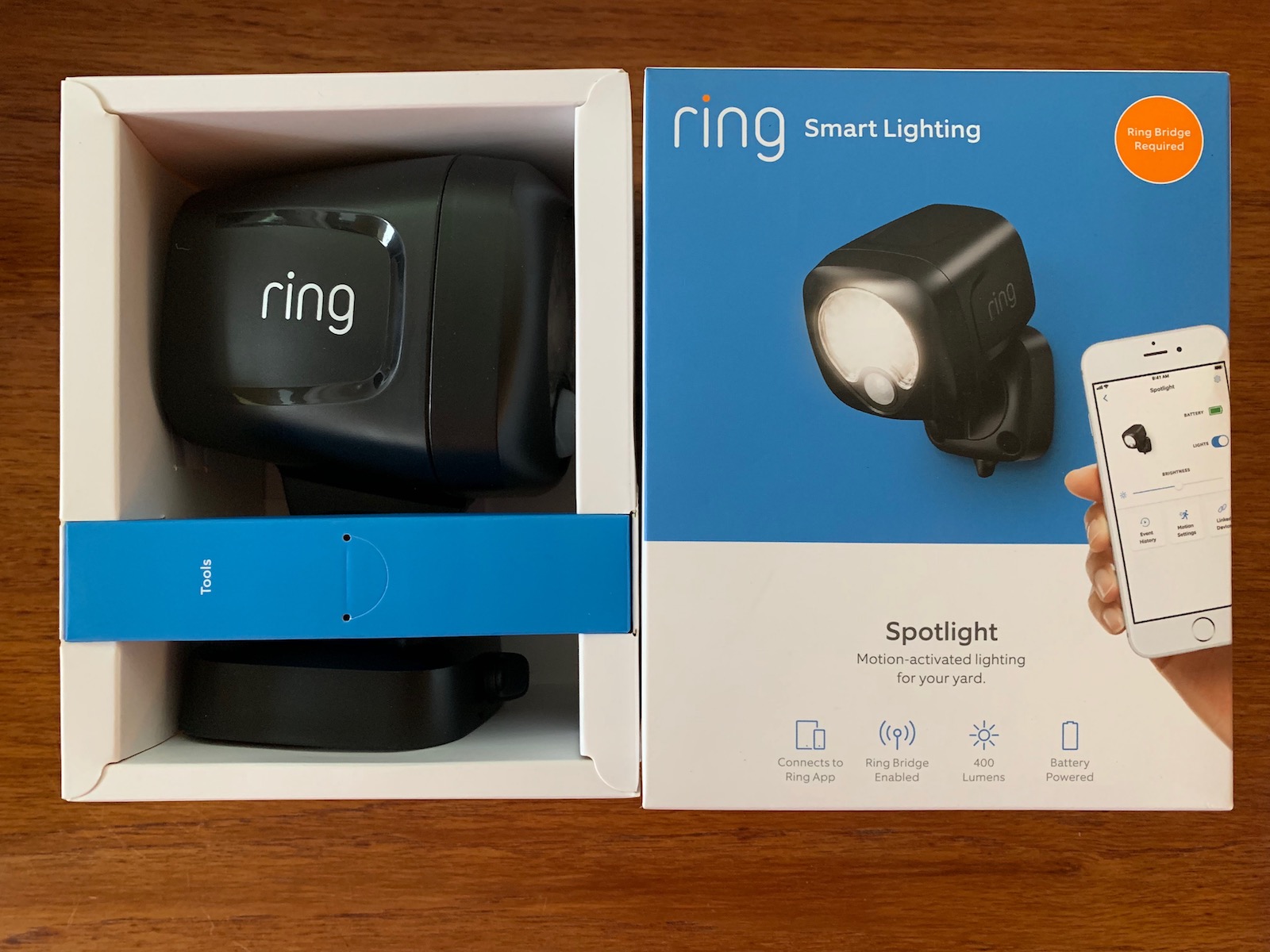
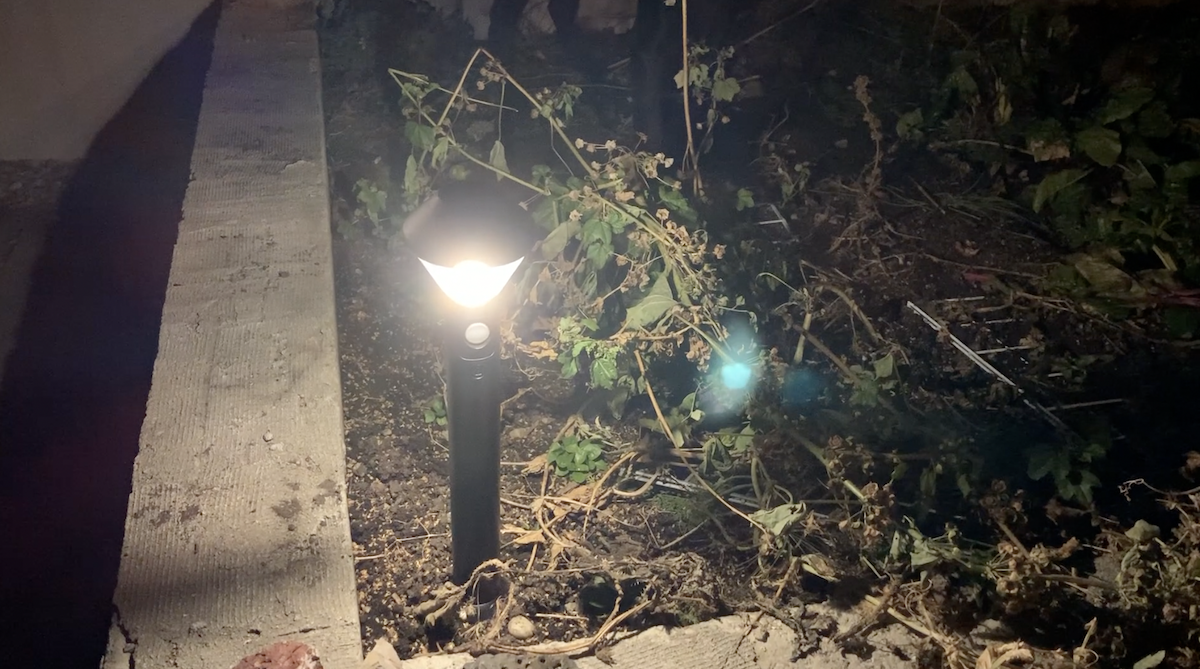
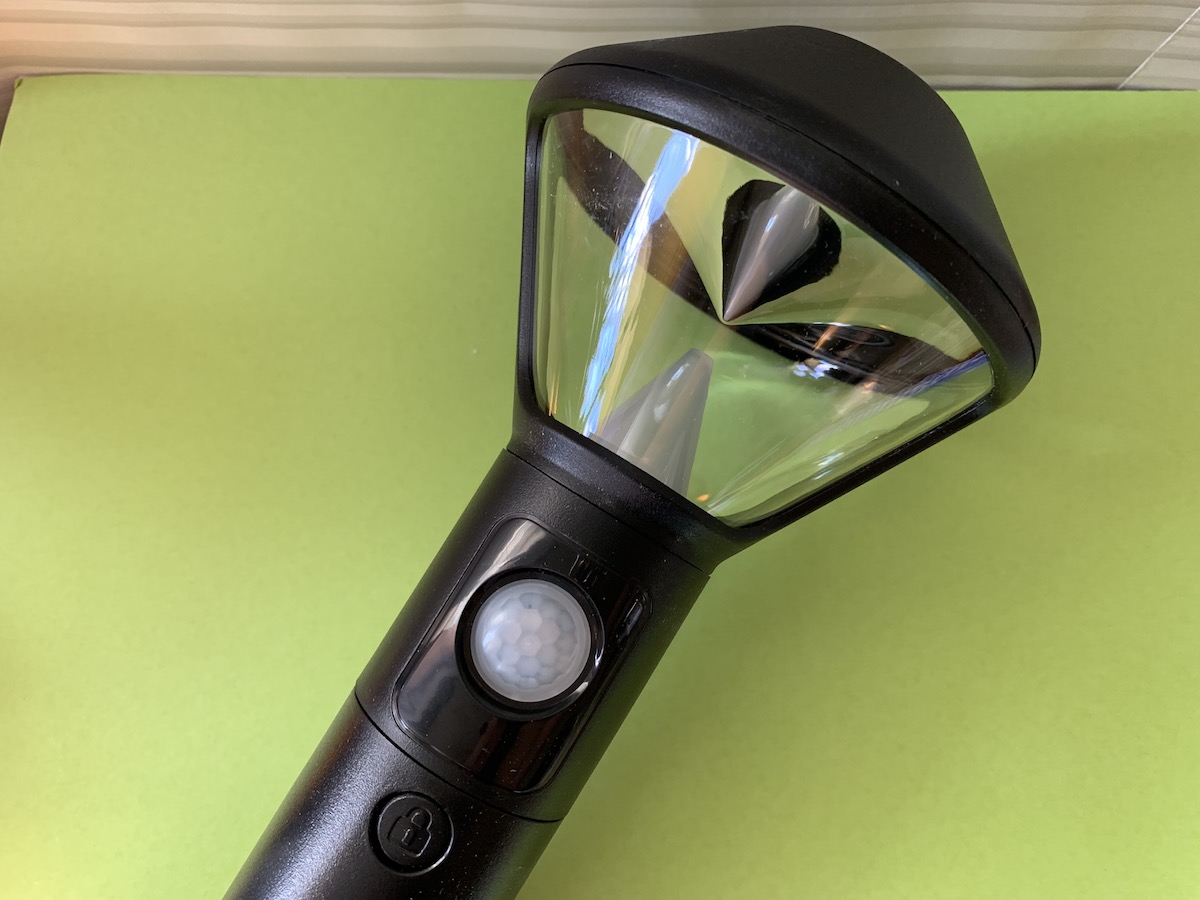
Ask any police officer and they’ll tell you, a well lit home exterior is a safer home. Yes, good lighting can help keep your home secure, as it provides fewer hiding spots for bad guys to do their work. Plus, for you design lovers out there, good lighting can really show off your home. The ability to improve my home’s looks and the safety factor with outdoor lighting was just one of the reasons I was glad to test out and review new Ring Lighting. I got a Ring Pathlight stake light, Ring Steplight, Ring Spotlight, Ring Motion Sensor and the required Ring Bridge To try in my yard, (you can also get a Ring 2-spotlight kit with the Bridge included) and here’s what I found.
What are Ring Lights?
 You might already know Ring as makers of video doorbells (read Ring Video Doorbell Review here) and wireless home security cameras (see my Ring Stick Up cam review here), and of the Ring Alarm system I also reviewed. I’ve long liked Ring’s products because they’re easy to set up and use, the battery life is great, and it gives me easy smartphone control over my home with high quality video and responsive smart technology.
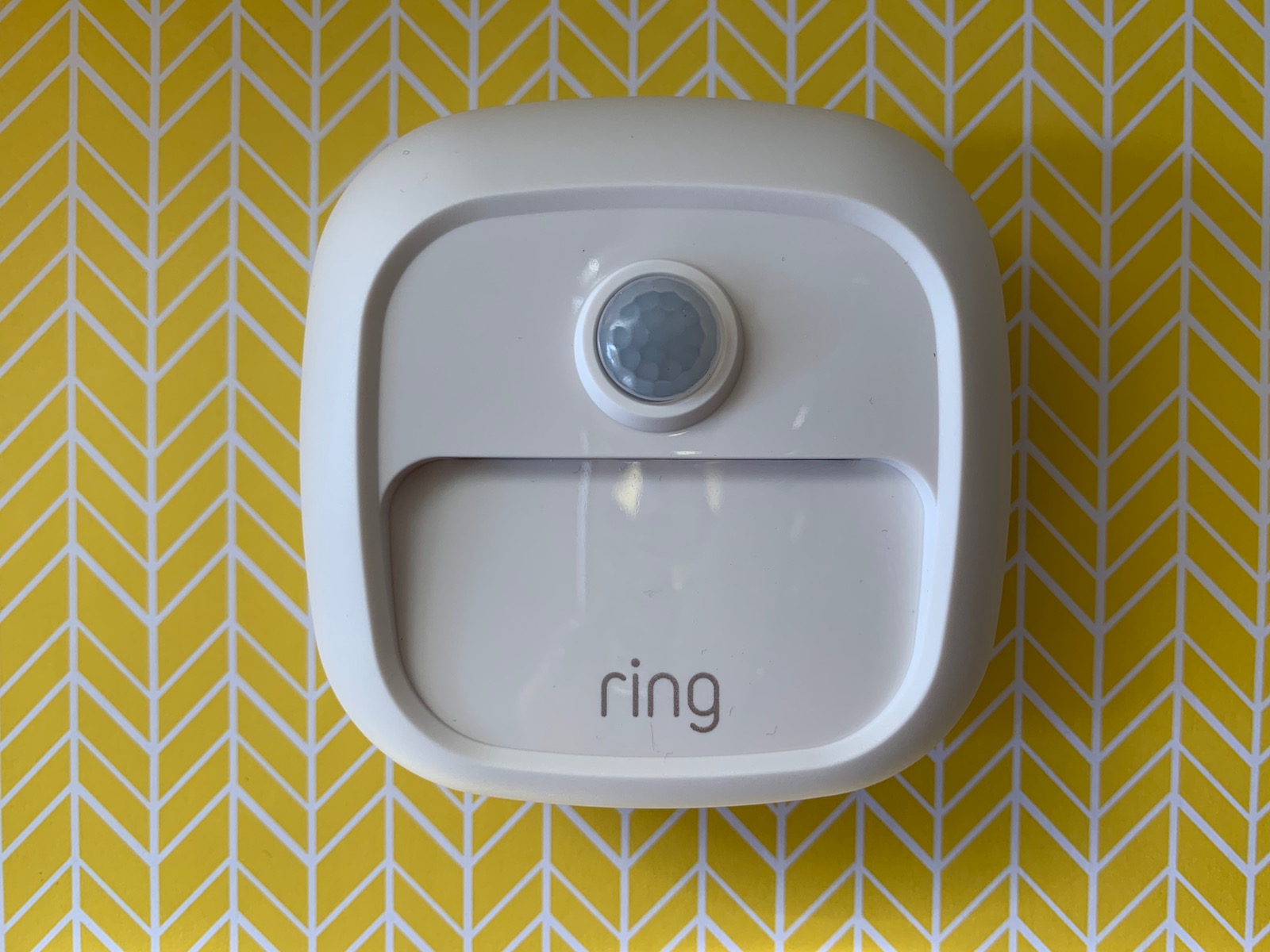
These new Ring Lights are fully wireless home security lights with smartphone control, removable batteries and motion detection built in so they can turn on when movement is detected, and they can be linked to Ring cameras so they can record what’s happening.
How to get Ring Lighting set up?
If this is your first foray into Ring products, you’ll need to download the Ring app. If you already have the app and use it with gadgets like the Ring Video Doorbell or Ring Stick Up Cam, you’ll be familiar with this process.
You need the Ring Bridge too for these lights to work. I found it odd that there’s a Bridge required, since manufacturers are starting to move away from this kind of extra technology, and building connectivity right into their lights and gadgets, but I digress. You’ll need the Bridge to act as your connection between the Ring Lights and your home’s Wi-Fi network.
Right off the hop I also found it odd that the Ring Lights use regular batteries; AA, and C or D-cell, depending on the light. I’m already wondering how long these will last… Ring’s cameras and Doorbells use a rechargeable battery which is easy to install and remove and requires recharging only about every three to four months. (A solar panel is also available for cameras and you can hard wire the Doorbell too).
Okay, so you’ve got the app downloaded and batteries in.
 Next, plug in the Ring Bridge and wait for the blue light to start flashing. When it does, go into the Ring app and choose ‘Set up a device’ from the hamburger menu on the top left. You’ll choose the option for Smart Lighting, and then scan the QR code on the back of your Bridge. Then you should be asked to select your home’s Wi-Fi network. The Ring Bridge should connect to your home’s Wi-Fi and during this time, you’ll see the lights flash different colours like red and green. After a minute or so you should get a set up is complete message.
Apple iPhone bug in Ring Light set up?
It’s worth noting I tried initially to set this up using my Apple iPhone XS Max, and couldn’t complete it. I’d keep getting a failure message. I tried probably a dozen times before calling Ring for support.



