

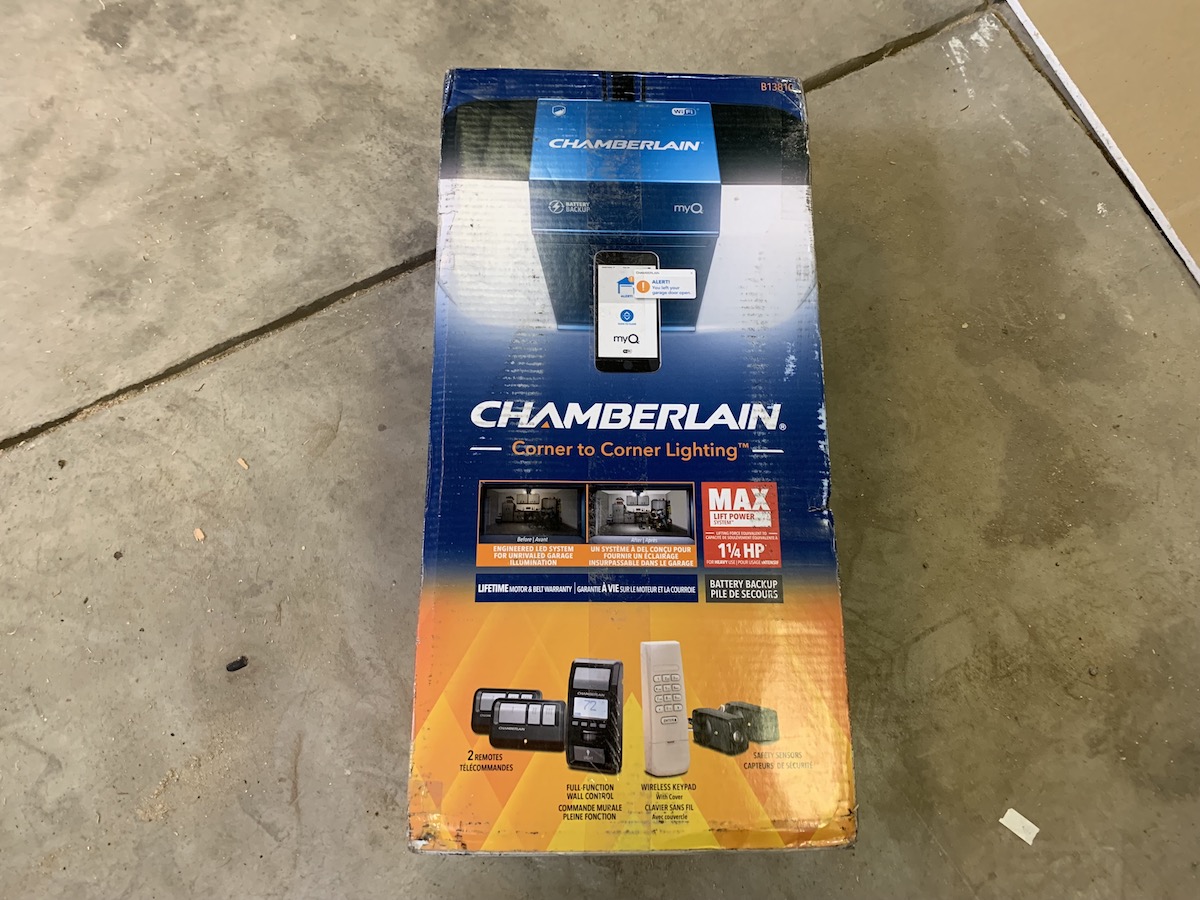
 While everything in our homes is getting smart, aren’t we forgetting about a space we use often? Yes, the garage is also the place for making some smart home improvements, like linking your door to your smartphone and creating remote access any time you need it. But this isn’t just about convenience, adding smarts to your garage can also allow you to monitor security and get alerts any time someone accesses this area; the place where you store your bikes, tools and your vehicles. I recently installed a new Chamberlain Garage Door Opener and learned all about what it can do and how it can protect the home.
What is a smart garage?
The term ‘smart garage’ might seem a bit silly; after all, don’t a lot of us use our garages as a dumping ground for the stuff in our homes we don’t want to bother with? Maybe, but many more of us have pricey tools, shiny bikes, motorcycles, kids stuff and a lot more that would be costly to replace if they were ever stolen.
A smart garage is one where you can connect to it remotely to open or close the door from your phone, check on the door’s status from anywhere in the world, and even give remote access to the lawn guy, repair person, or visiting relatives. Did someone manage to break in via the man door, and has now opened the main door to offload your stuff? You’ll get an alert to your phone that the door is opening. The Chamberlain Wireless Garage Door Opener does all these things and more.
Chamberlain Garage Door review: what you get
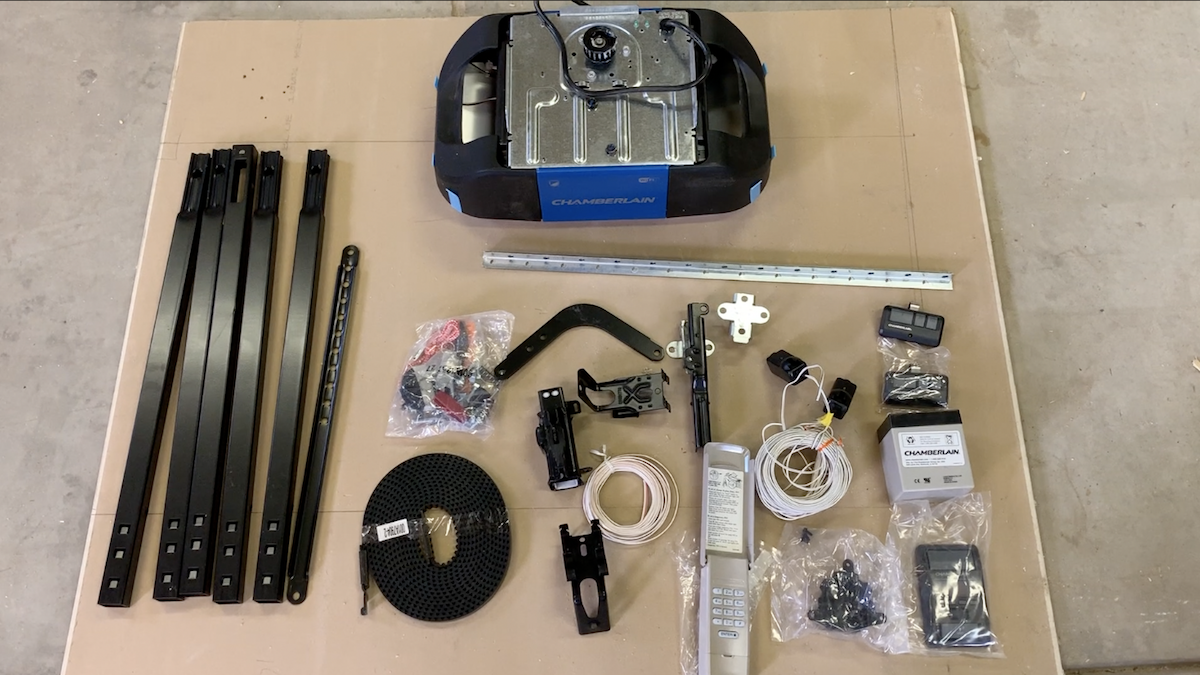 The garage door kit comes with the new motor with bright LED light, a track, two door sensors to prevent to door closing on someone or something, plus a wired wall panel, a battery powered external keypad two remote control ‘clickers’ and wireless smartphone control via the Chamberlain MyQ app.
Make sure Wi-Fi reaches your garage first
One other note before you get too far; you’ll want to make sure you’ve got strong Wi-Fi in your garage. No Wi-Fi, no remote access.
Is it easy to install Chamberlain Wireless Garage Door Opener?
I’m going to say it early here; this is not a job for the average do-it-yourselfer. It’s complicated and time consuming installing a garage door, and if you’ve never done it, it can be downright intimidating. It also helps if you have a second person. So if you’re the type of person who gets unnerved setting up Ikea furniture, call in a pro, or try getting Geek Squad.
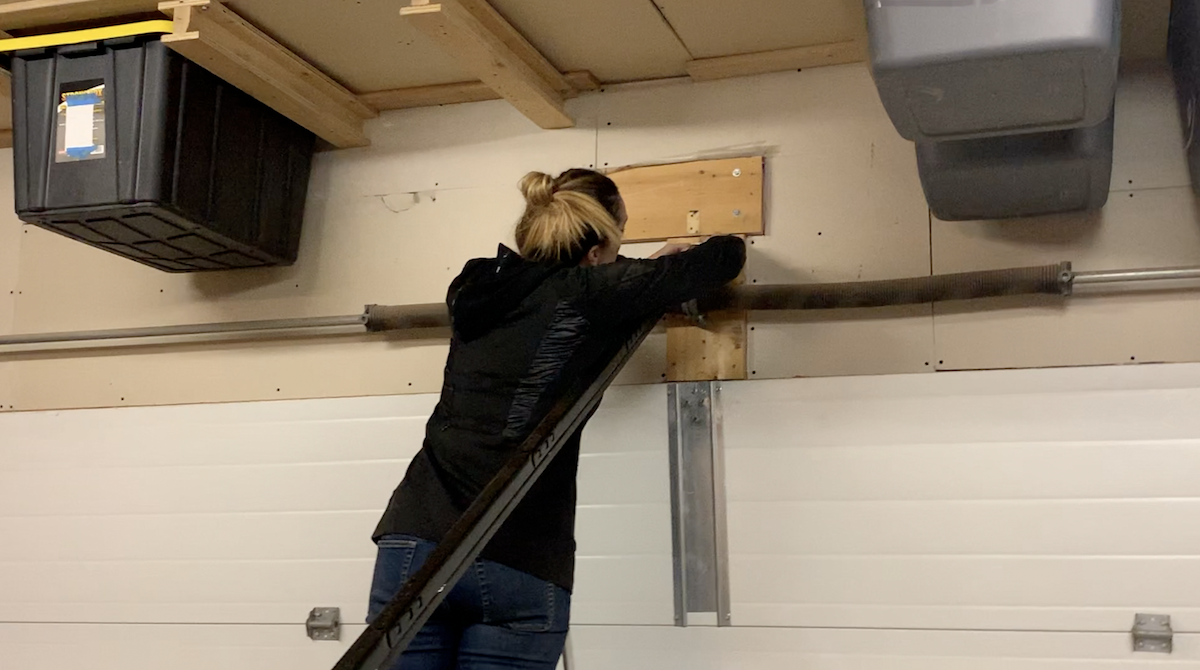 I’m not going to go into great detail on the install here, because that could be its own how-to blog and also because, after one installation, I’m no expert. I will just say it took about four hours for my husband and I to install together.
I wrote this review for Best Buy Canada’s blog. Please support the work I do for them by reading the rest of it on the Best Buy site.



