

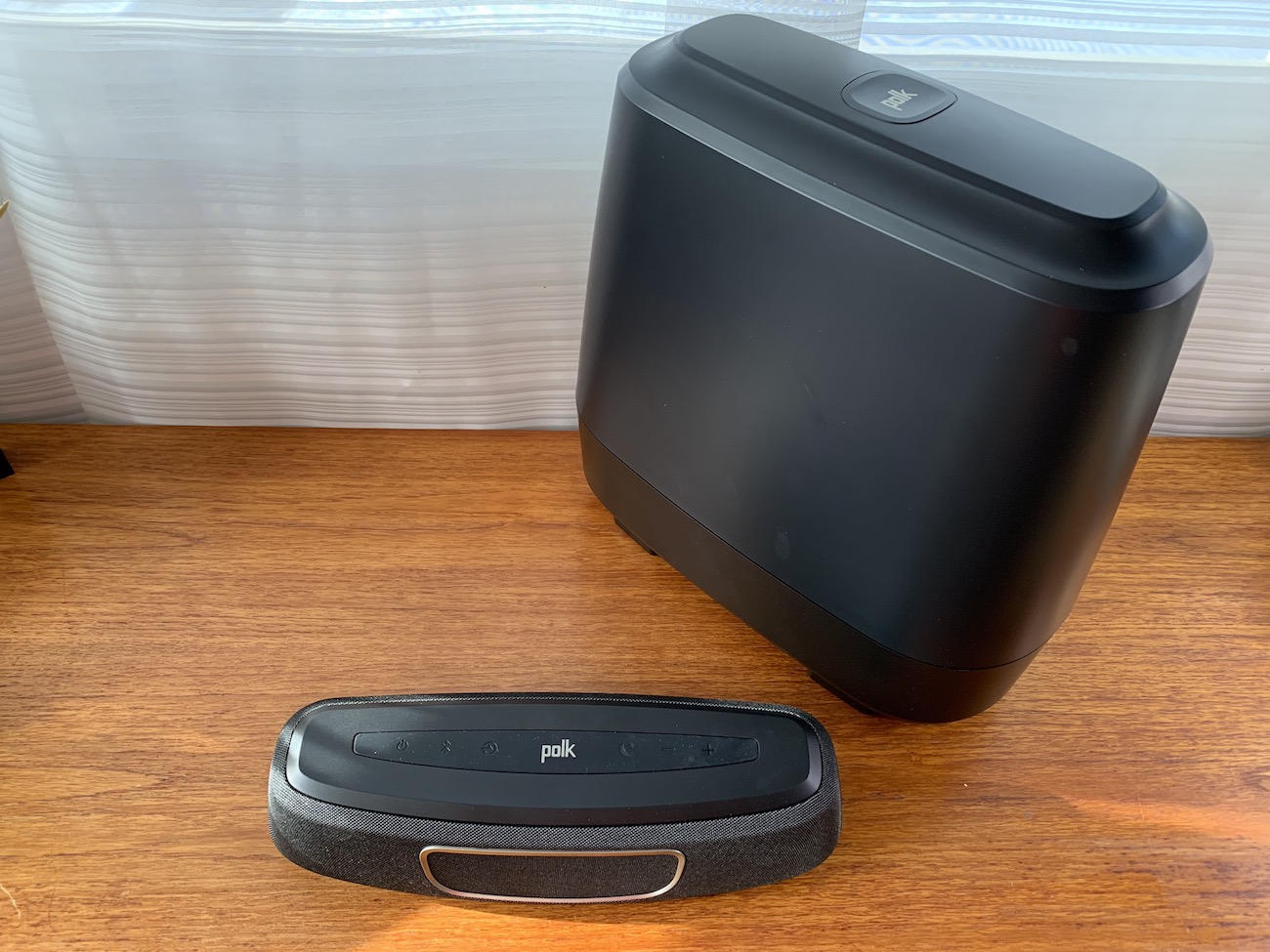
You know that a proper audio solution is the key to getting the most from your HD or 4K TV. But sometimes, the size and expense of a sound bar and subwoofer combo can mean people want to wait. Now there’s a much more compact option. Polk MagniFi Mini is a small home theatre solution that can improve your TV audio and provide a speaker for listening to music too.
I recently received a loaner of the MagniFi Mini for a few weeks of use in my home.
What is Polk MagniFi Mini?
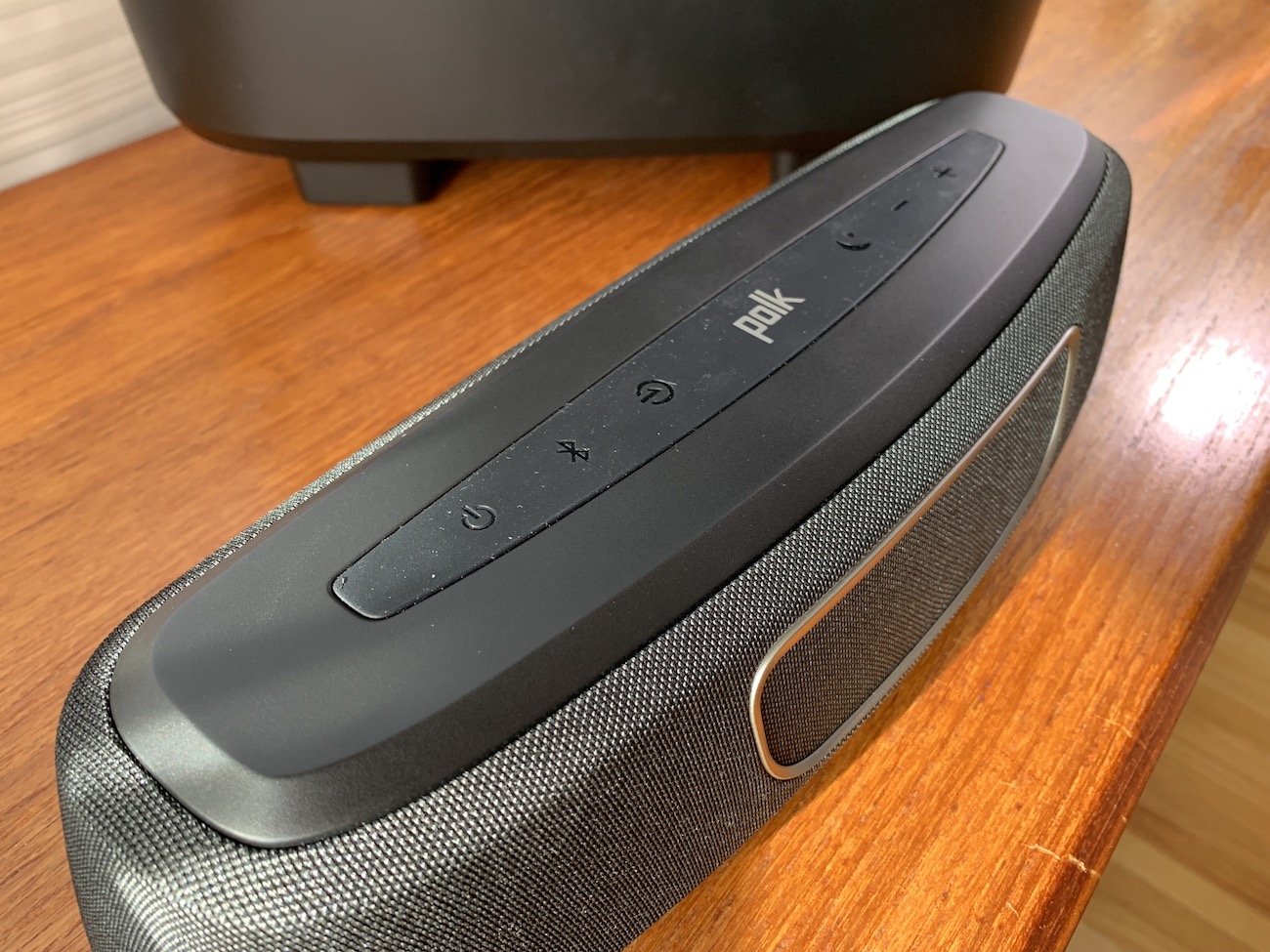 The Polk MagniFi Mini is an ultra compact sound bar and wireless subwoofer combo with a remote control. It connects to your TV using an (included!!) HDMI cable and provides greatly improved audio from your TV. Most flatscreen TVs internal speakers are too thin and basic to provide audio quality that can match the TVs video resolution. This is a compact solution.
Setting up Polk MagniFi Mini
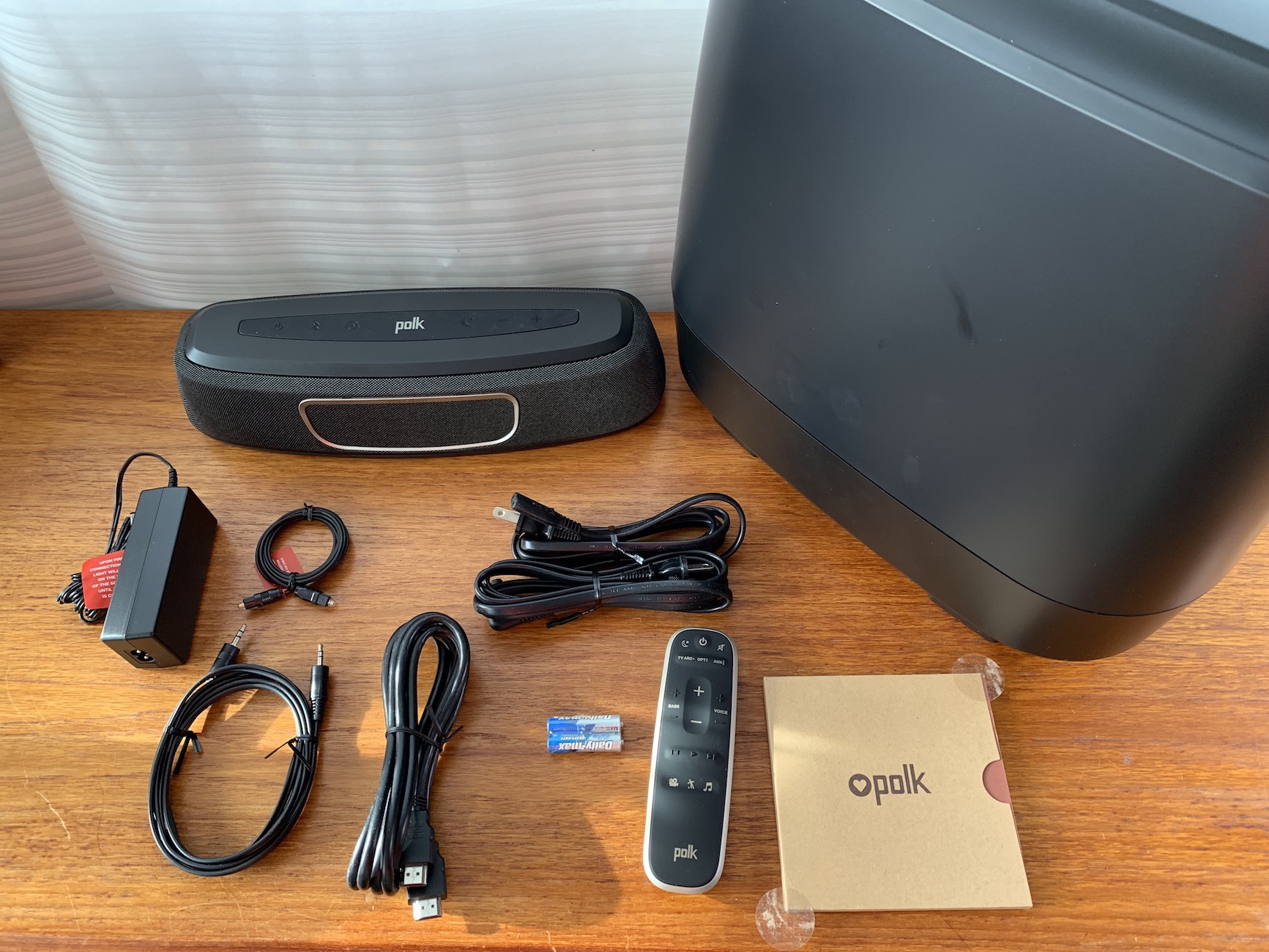 I love the fact there’s an HDMI cable included with this set up. Most sound bars don’t come with one, meaning if you don’t know or forget to get one, it’s back to Best Buy before you can use it. This kit has the cable, so big up to Polk for that.
The kit actually comes with three connection options; an (ARC) HDMI cable, which you’ll use only if your TV has a special ARC HDMI port in the back. Otherwise you can use the optical audio cable or if your TV is older, like mine is, you can connect with the aux connector.
I connected the power and the aux cable, then plugged in the Subwoofer. The manual says the two should find each other and pair together on their own and they did for me, as evidenced by a green light on the rear of the Sub.
When I went to play something from my Apple TV, however, there was no sound. I fiddled with the cables, checked volume and power, but no dice. I then streamed some music from my phone just to check the audio. Streaming worked fine (and sounded great! More on that later.) but I couldn’t seem to get any sound out of the TV.
Vexed, I called Polk’s toll free customer service line to ask for help.
What happened? I wrote this review for Best Buy, so please read the rest of the blog on the Best Buy website.



