

Thinking about upgrading your Android phone to the new Samsung Galaxy Note 8? Wondering what makes it different from previous Notes, what it’s got for Android fans and what sets it apart from other phones?
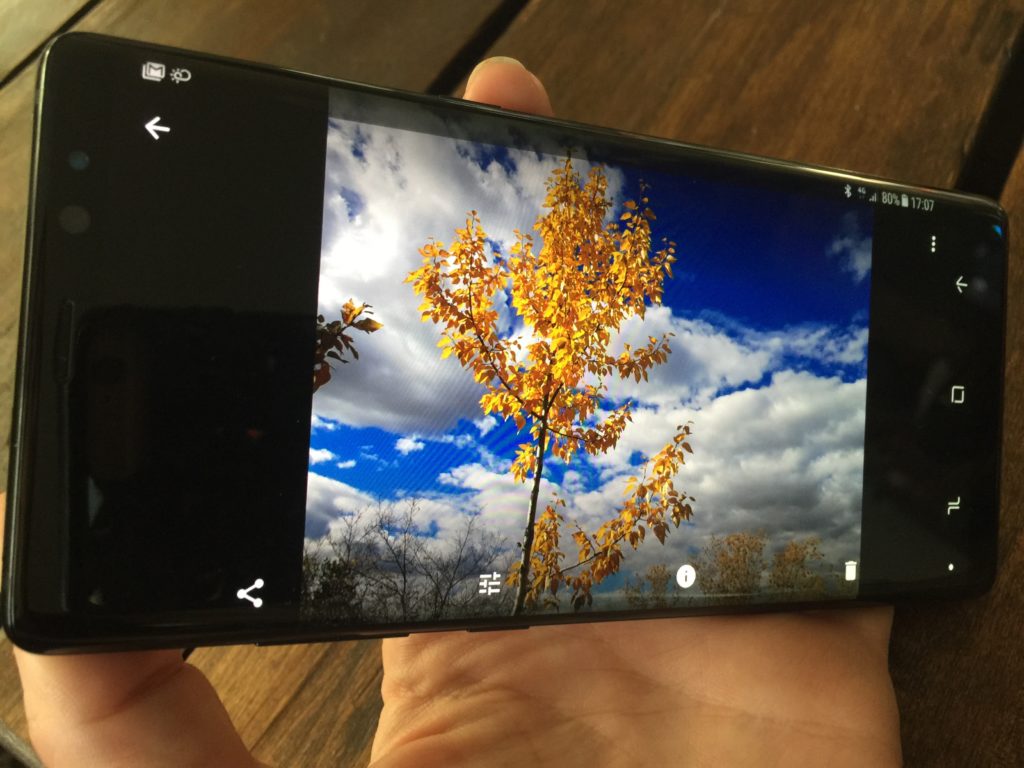 What’s new with Samsung Galaxy Note 8
Samsung Note 8 – Bigger size, added S-pen stylus

Palm Pilot vintage pen (L), with new S-pen.
Thing #1 is its size. it’s a bit bigger than other Samsung phones. It has a larger 6.3″ display, while the Galaxy S8+ is 6.2″ and Note 7 was 5.7″. Thing #2: is the added stylus, which Samsung calls the S-pen. Using the pen feels nice and natural; it’s a good size and a light weight, and is easy to adapt to. It feels like putting pen to a tablet of paper; smooth and easy, not like putting to metal to glass, which is the experience some styluses give you. Worth noting, the Note 8’s stylus/S-pen is not the same size as the one that is used on the Tab 3. That stylus is significantly larger.
Enjoy Screen Off Memo

You can use the S-pen for a feature called ‘Screen Off Memo’. This allows you to use the pen to hand write notes on the phone screen even though it’s technically not on. It’s a really handy feature that I love. I live my life with Post-It notes so this would save some paper.
Galaxy Note 8 has built-in translation
 The S-pen also drives translation functions in the Note 8. You use the pen to select languages, then hover over messages you want to translate. An English language version pops up automatically. There’s a huge number of language options and the feature is fast and seems to be quite accurate.
Live Message lets you have fun with texts
The Samsung Galaxy Note 8 has a new ‘Live Message’ feature which allows you to draw, annotate and liven up basic texts using the S-pen.
The Note 8 has the same 3000ma battery as the S8+ and all the same biometric features like fingerprint scanner, facial recognition and iris scanning. But the Note 8 adds wireless charging to its list of features.
Note 8 camera is great – dual cameras mean more features
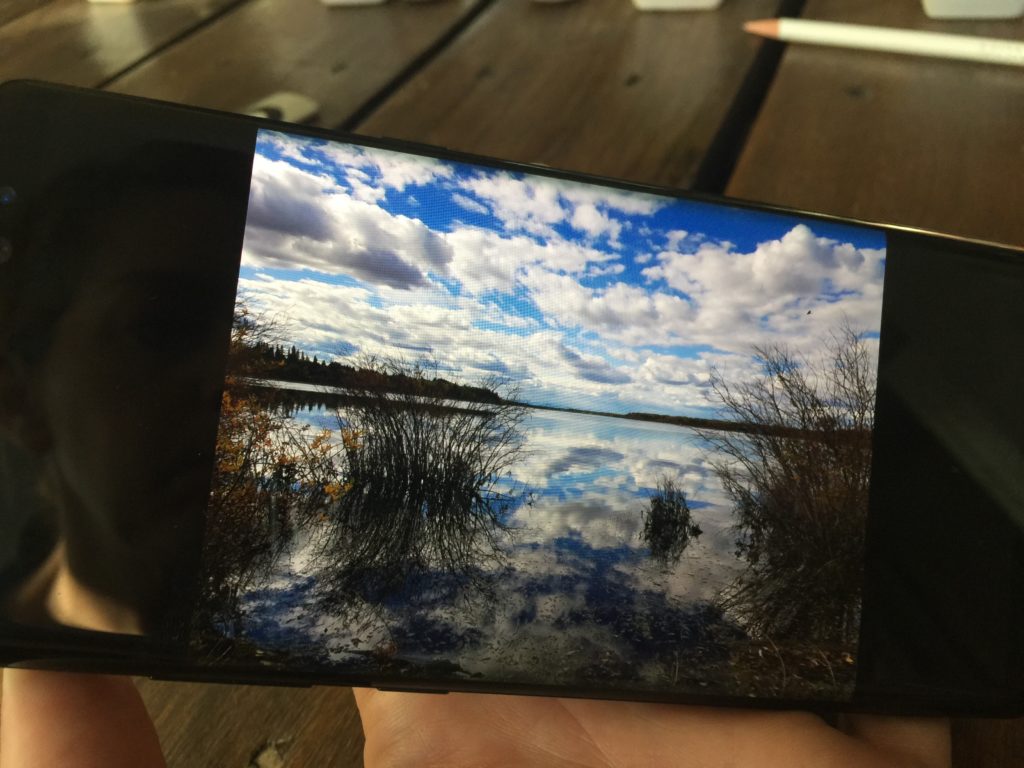 Samsung definitely excels with cameras and smartphone photography. You can launch the camera even faster with a shortcut: double-tap the power button in rapid succession. This will open the camera no matter what you’re doing, even if the phone is locked. But it’s the dual camera which makes more things possible.Two cameras means more depth, with a true 2x optical zoom and up to 10x digital zoom plus some other goodies.
Live Focus gives you control over photos
Tap the Live Focus button at the bottom of the viewfinder window and use the slider bar to adjust the background blur level. You’ll need something in the foreground about 4 feet away or the effect won’t work.
You can use Live Focus when you snap a photo, or go back and adjust the focus and blur (or bokeh) effect after. Just head to your Gallery, load the photo and look for the ones labelled with both “Normal picture” and “Adjust Background blur.”
There’s also something called dual capture. Dual capture lets you capture both the landscape and a person equally well. It’s worth noting that Dual Capture will take up about three times as much memory as standard photos, so you might want to invest in a microSD card before you fill up your phone’s internal storage.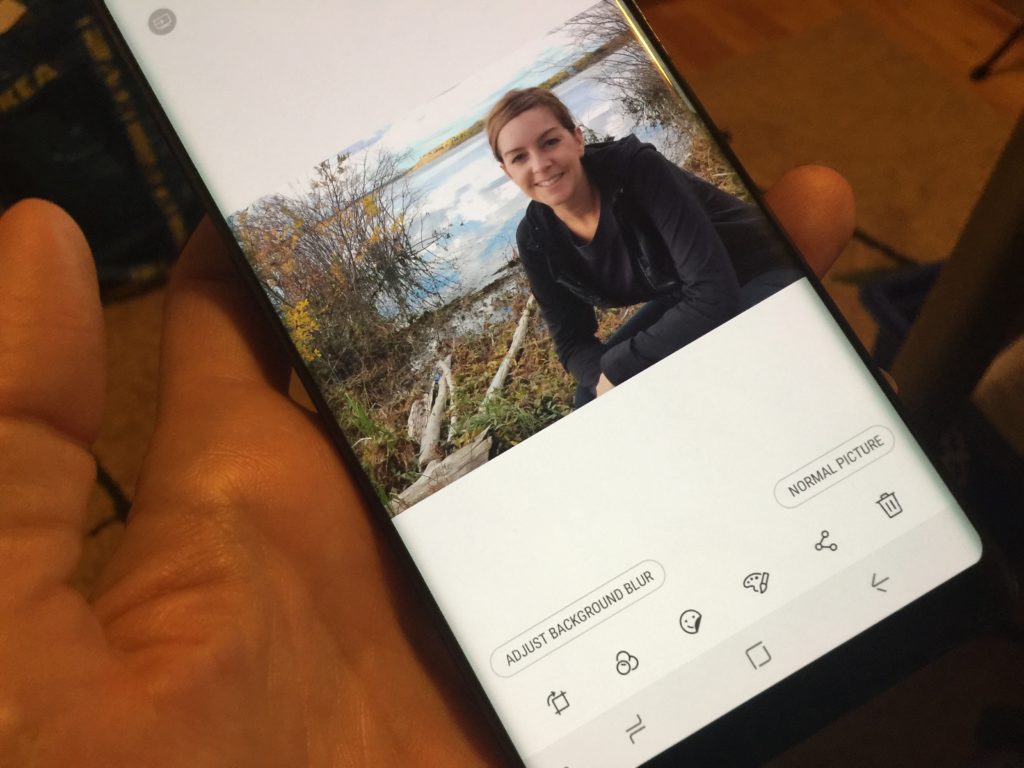
Samsung Galaxy Note 8 Review – overall thoughts
Overall, I enjoyed using the Samsung Galaxy Note 8. It’s sleek, with a beautiful screen. I love the new photography features, and the S-pen is a nice addition with cool new tools that make it worthwhile. That’s your quick preview of the new Samsung Note 8 and some of the features that set it apart from previous notes, and the S8 series.
Samsung Galaxy Note 8 is available from most smartphone providers. You’ll pay anywhere from $549-$1350, depending on your carrier and monthly plan.



